How do I check if a car is available for my dates?
Use the live calendar on any car page to check exact dates and times without booking.
For another car, open Cars and choose it instead. You do not need to start a booking or pay to check dates.
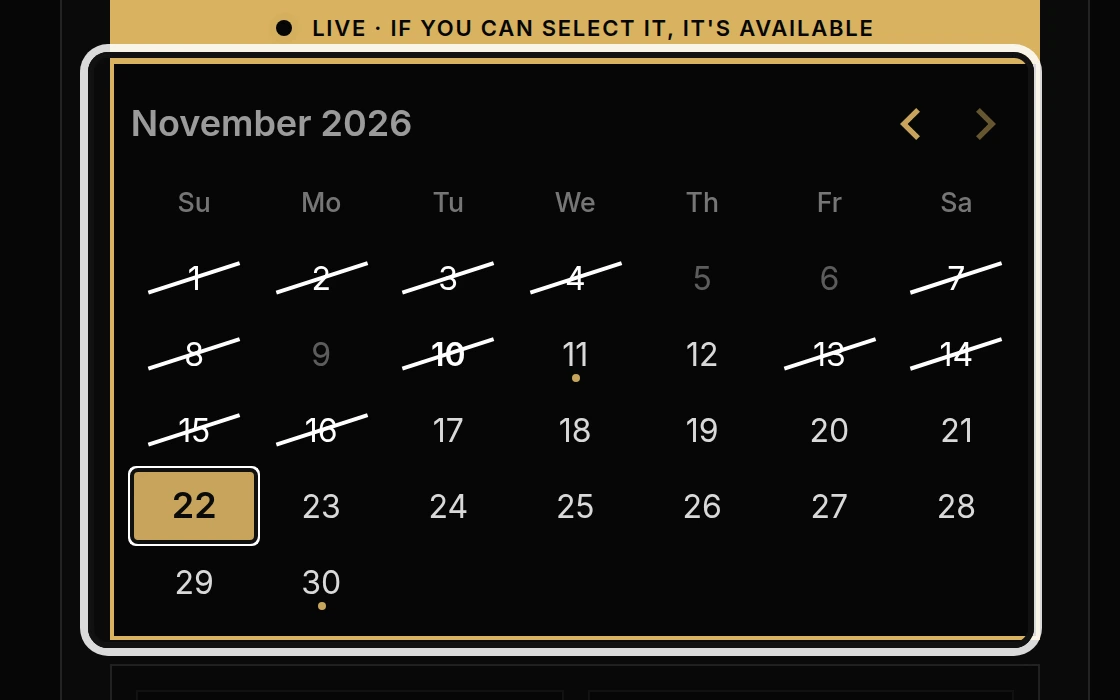
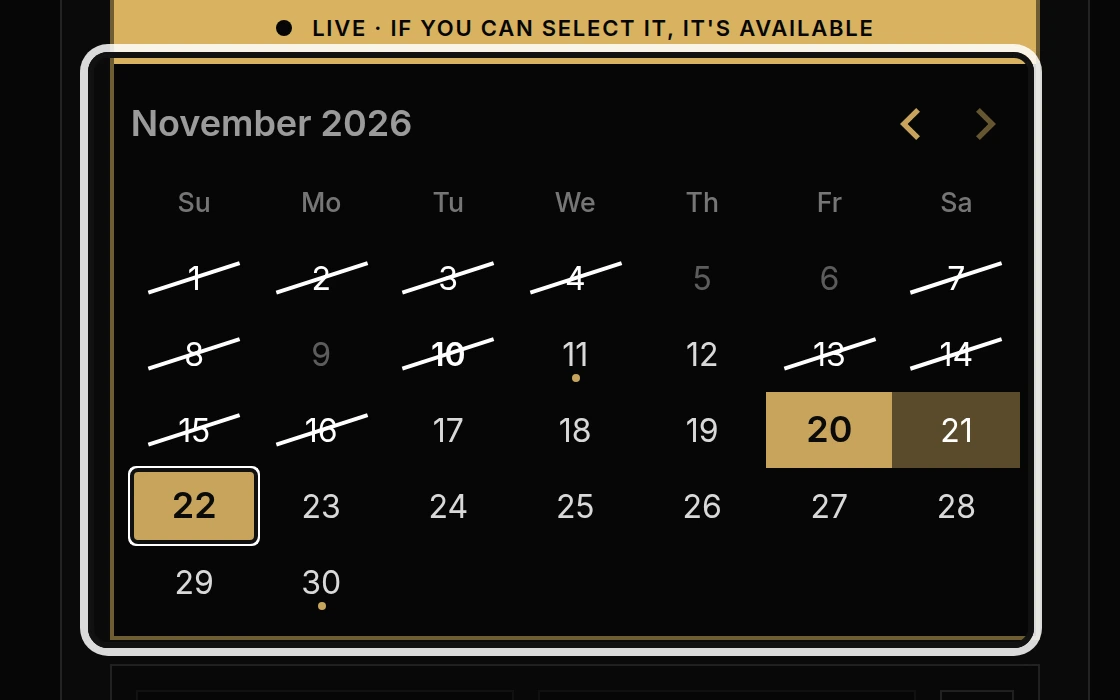
Click your pickup date, then your return date on the calendar.
Dates you can select are available. Grey or crossed-out dates are already taken or outside the booking window. A day with only some hours taken can still be selected.
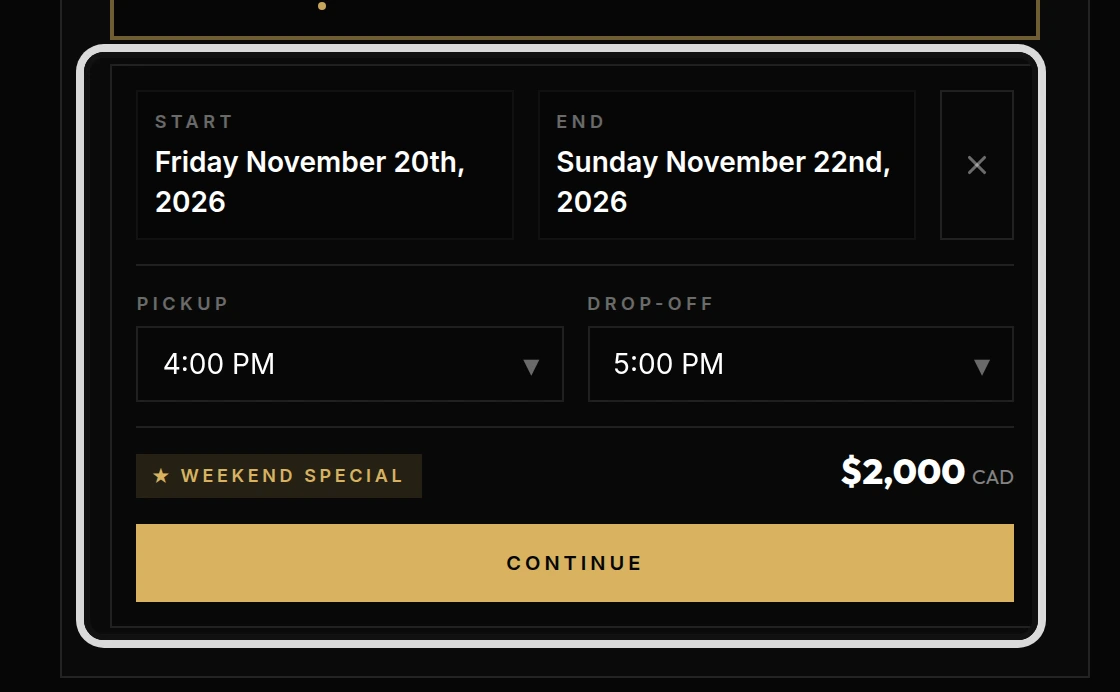
Choose your Pickup and Drop-off times.
The page checks the exact hours too. Your estimated price appears below the calendar. For a Friday-to-Sunday rental, the package automatically uses 4:00 p.m. Friday to 5:00 p.m. Sunday. If your times overlap another booking, choose different times or dates.
You can stop here if you only wanted to check availability. If the car or dates you want are not available, call or text 450-300-6236, or use Contact to ask about other options.