How do I book a car?
Choose your car and dates, pay online, verify your identity and sign the contract.
Open the car’s page to see its photos, price and booking calendar. This example uses the Audi R8.

Click your pickup date, then your return date.
Selectable dates are available. Grey or crossed-out dates are not.
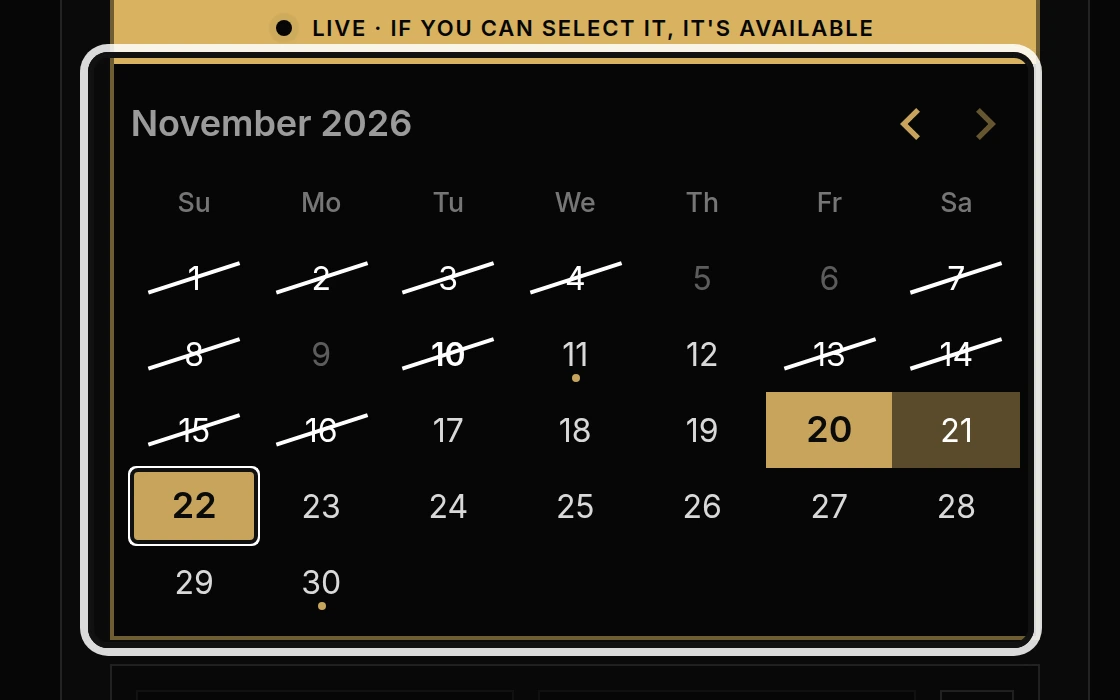
Choose your Pickup and Drop-off times.
Check the estimated price below the calendar. The Friday-to-Sunday package automatically uses 4:00 p.m. Friday to 5:00 p.m. Sunday.
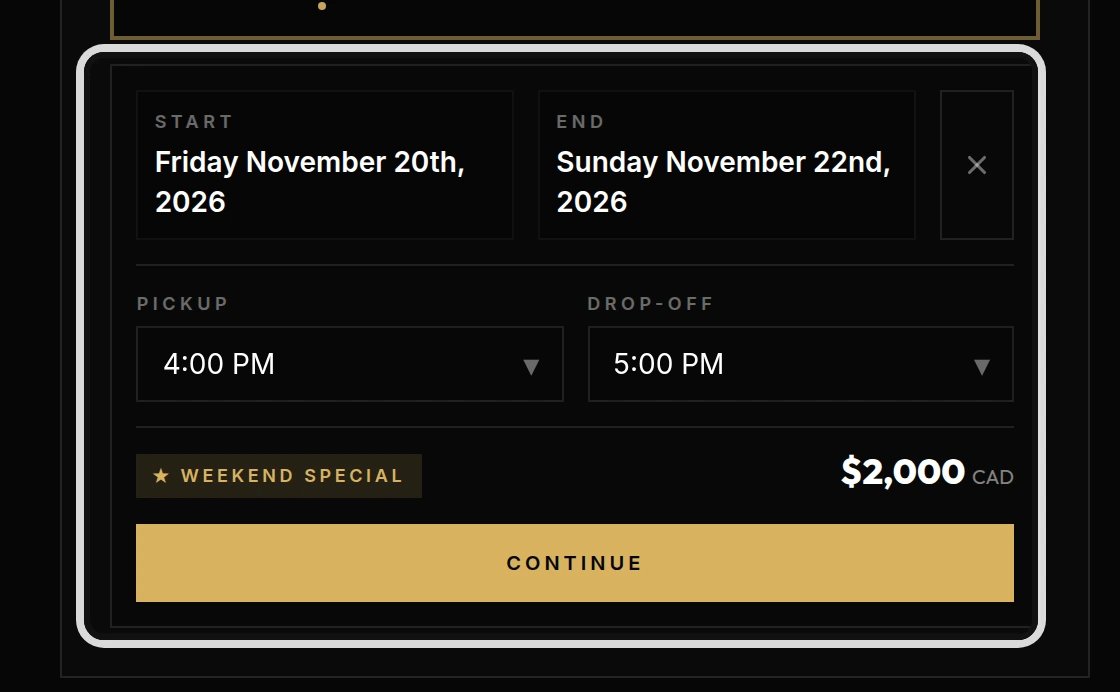
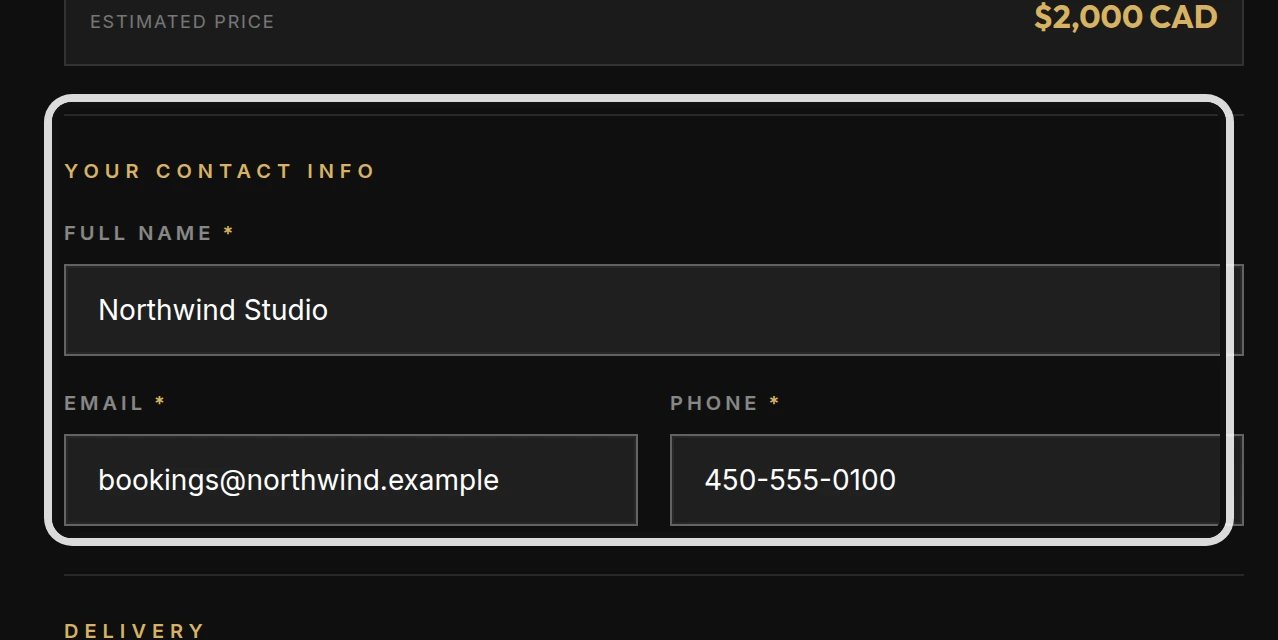
Click Continue, then enter your Full name, Email and Phone.
These details are used for your booking and secure verification link.
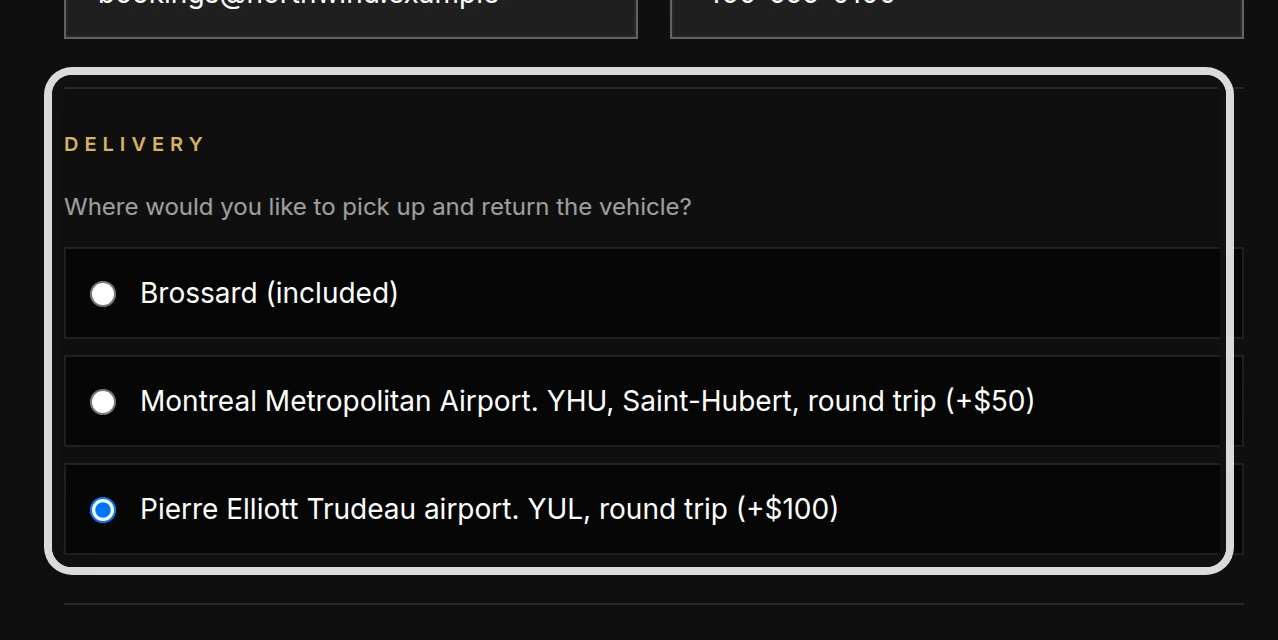
Choose where to collect and return the car under Delivery.
Brossard is included. YHU airport round-trip delivery costs $50, and YUL airport round-trip delivery costs $100. The estimated price updates when you choose an airport.
Choose your insurance option.
Choose No, I need your insurance to use the included liability and collision coverage. If you choose your own insurance, enter the insurer, policy number and coverage amount and upload the PDF proof. A qualifying policy takes $50 off the booking.
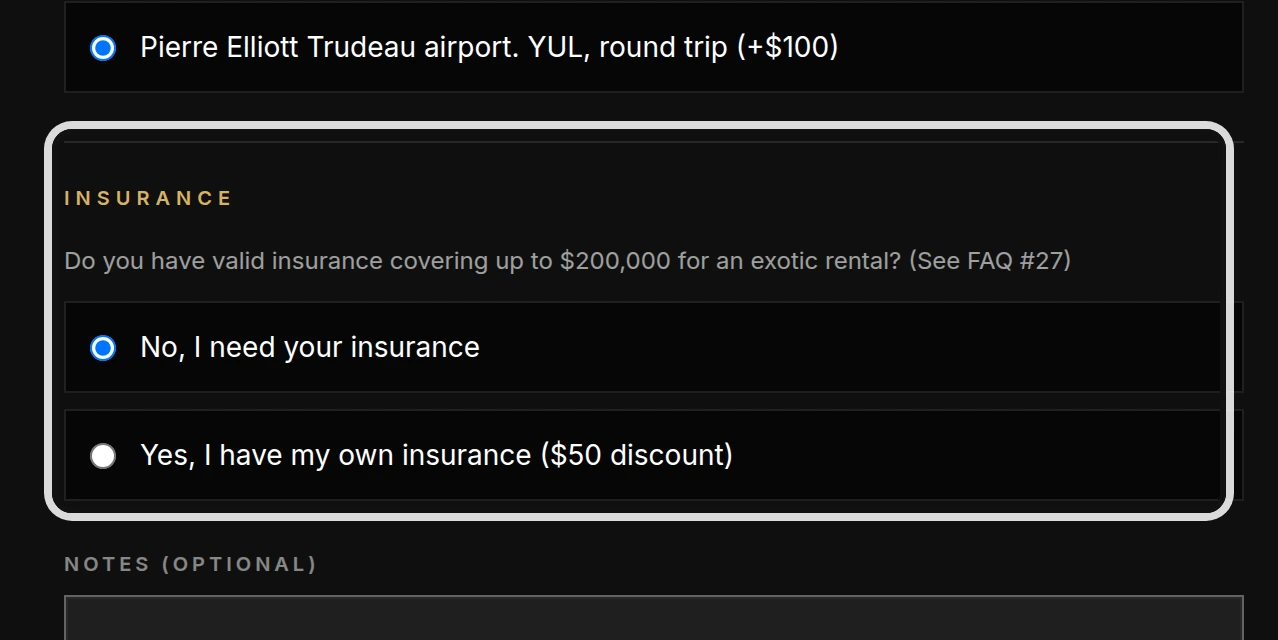
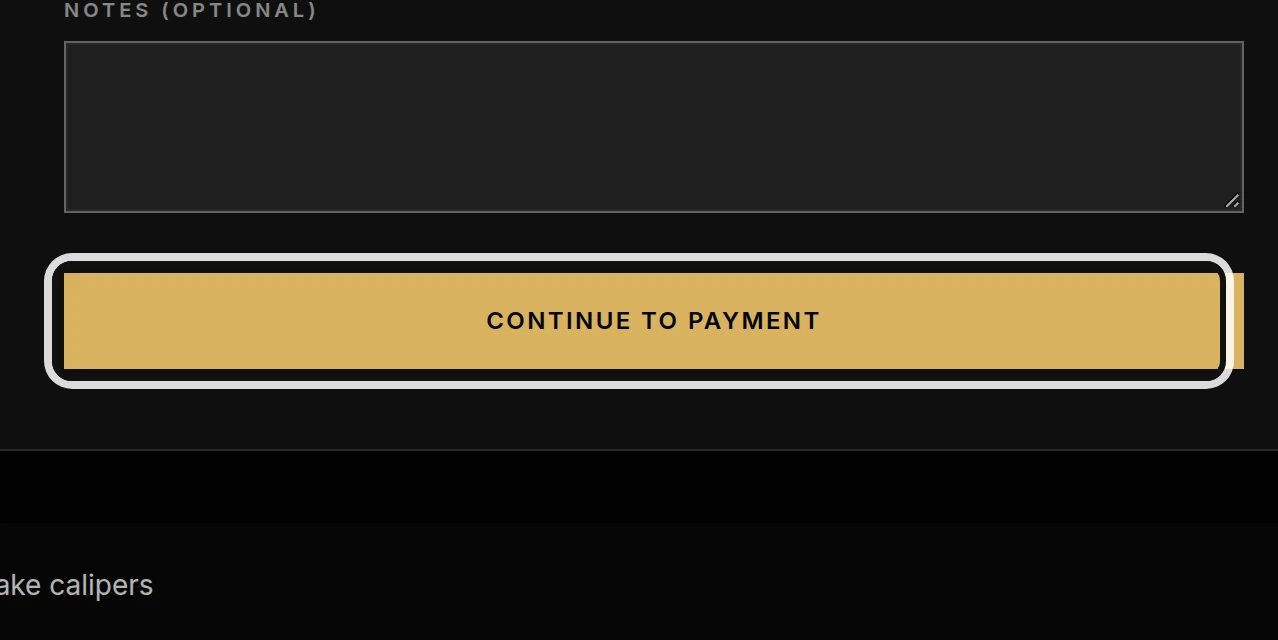
Click Continue to payment.
The secure Payment page shows your Summary, taxes and total. Pay online by Visa, Mastercard or American Express. The security deposit is not charged here. The picture shows the button that opens the secure payment page.
Complete the secure identity check within 24 hours after payment.
Follow the verification link and provide photos of your driver’s licence and a selfie. Your car is not guaranteed until this check succeeds. If verification fails permanently, the rental payment is fully refunded. Returning customers with a verified identity do not repeat this step while their licence remains valid through the return date. The picture shows the requirements on the car page; your private verification screen opens after payment.
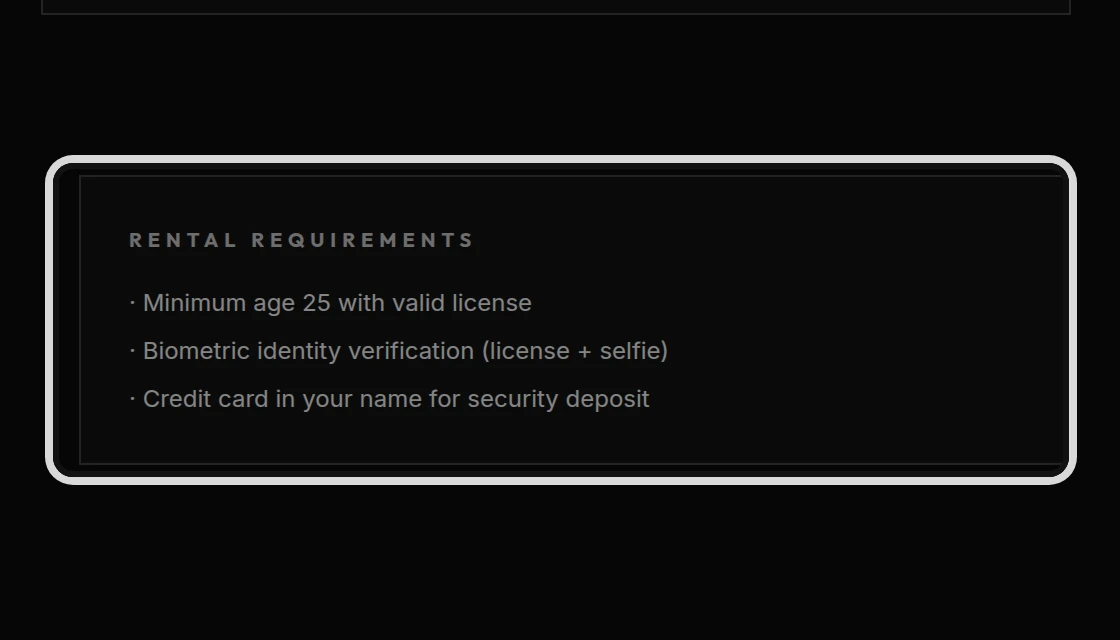
After successful verification, your booking is confirmed. The team contacts you within 3 business days to sign the rental contract. On pickup day, bring your licence and a credit card in your name. The team places the security-deposit hold in person, inspects the car with you and hands over the keys at your chosen pickup or delivery location.